Foreglow/Templates/A 2027 board for the lock screen
FREE TEMPLATE · NOTHING UPLOADED
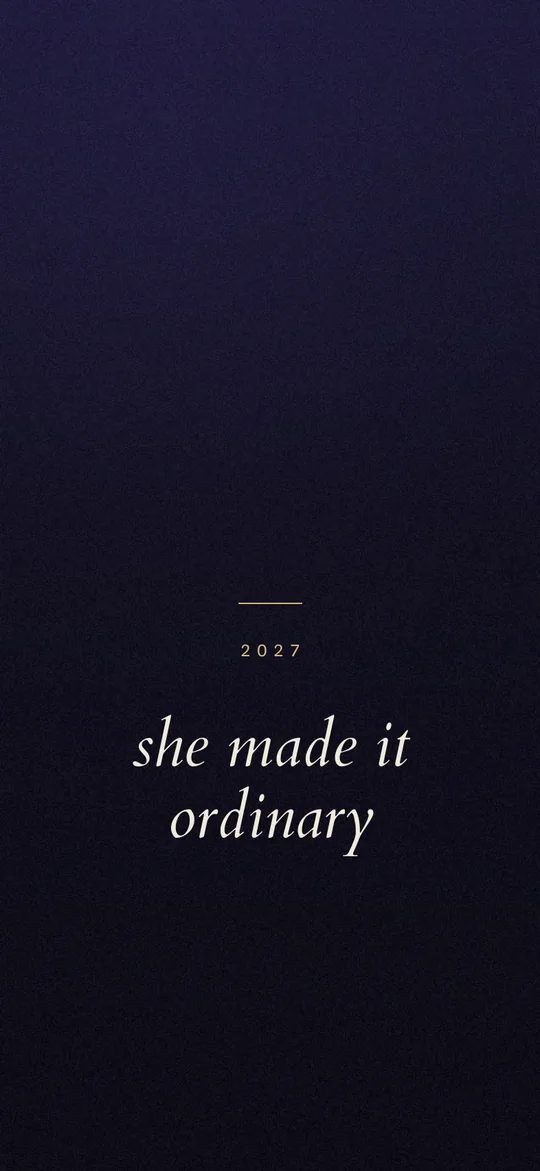
A 2027 board for the lock screen.
January is when everyone makes one and February is when everyone stops looking at it. A lock screen is the only version you cannot avoid seeing.
Open this in the board makerDownload Foreglow
The background is drawn by the tool itself — a gradient with grain, not a stock photograph — so there is no licence attached to anything you make from it. Add your own photos and words, then export at your phone's full resolution.
Why put it on the lock screen?
A board in a notes app gets opened twice. A board behind your clock gets seen somewhere around eighty times a day without any decision on your part.
That is the entire argument for this format. It is not a better board — it is a board in the one place you are guaranteed to look.
What the words should be
Past tense, and specific. "She made it ordinary" reads differently from "I will make it ordinary", and the difference is the whole trick.
Keep it to one line if you can. On a lock screen, anything longer competes with the clock and loses.
Where the year goes
Above the line, in tracked capitals, small. A big 2027 at the top of the screen sits behind the date and disappears. This template puts it just below the clock band where there is nothing else.
How do you set it as your wallpaper?
Export and save the PNG. On iPhone, open Settings, tap Wallpaper, tap Add New Wallpaper, choose Photos, and select the saved board. Tap Add, then choose Set as Wallpaper Pair or Customize Home Screen. See the full step-by-step sequence.